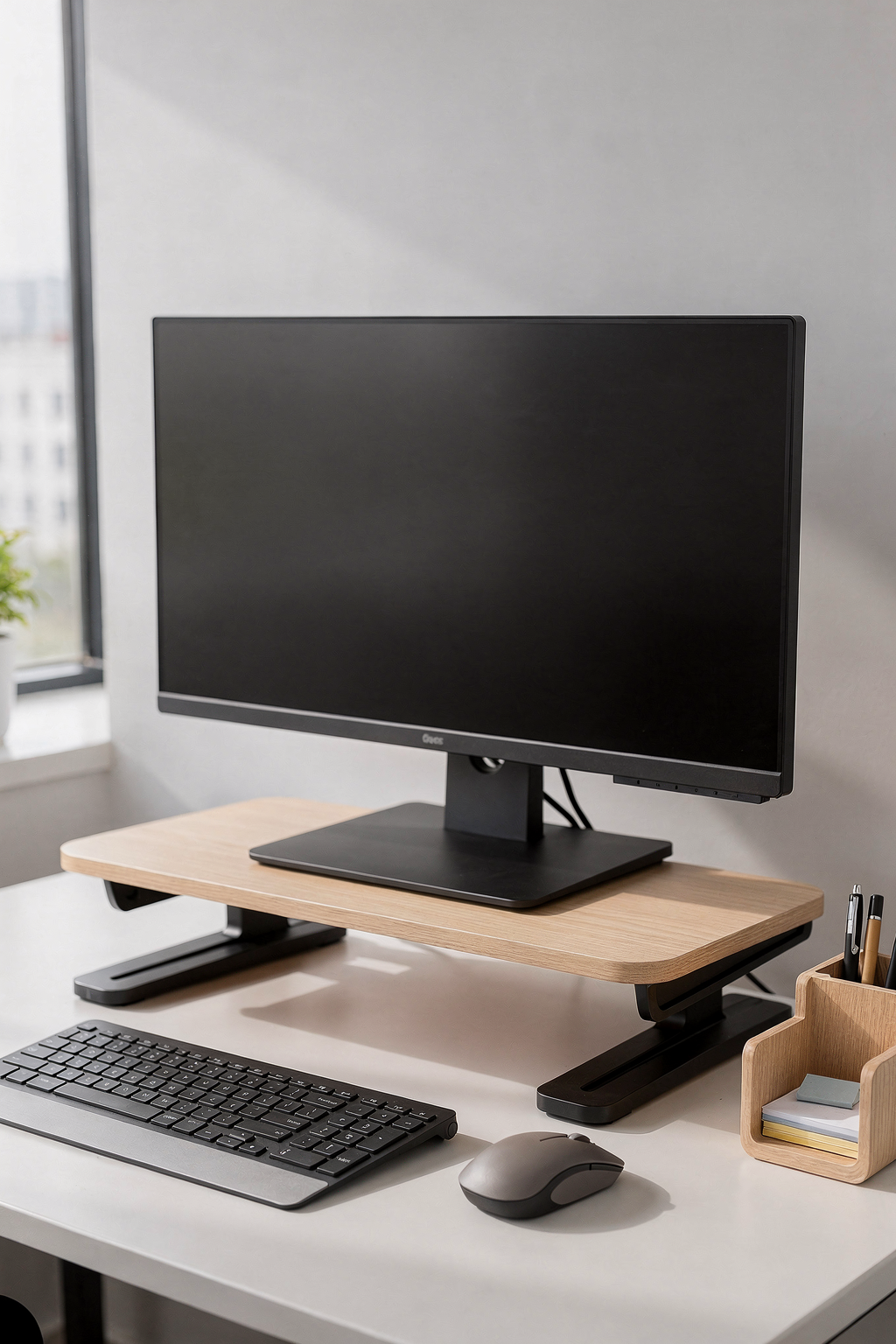
Monitor Stands for Home Office: 5 Ways to Boost Your Setup
If you're working from home, you already know that your desk setup matters more than you might think. But here's what I notice most people overlook: their monitor placement. That screen sitting flat on your desk? It's probably doing your neck and posture no favors. The good news is that a quality monitor stand can transform not just how your workspace looks, but how you feel while working in it.
Let me walk you through five practical ways an adjustable, ergonomic monitor stand can genuinely improve your home office—and your work-from-home experience.
1. Elevate Your Monitor to Eye Level (Finally)
This is the foundation of good office ergonomics, and it's surprisingly simple. When your monitor sits too low, you naturally crane your neck downward, creating tension in your cervical spine that accumulates throughout the day. By the end of the week, you're wondering why your neck feels stiff.
The ideal monitor height places the top of your screen at or slightly below eye level when you're sitting upright. A quality adjustable monitor stand lets you dial in this height precisely. Your monitor should sit roughly 20-26 inches from your eyes—about an arm's length away.
Here's a practical test: sit naturally at your desk and look straight ahead. Your gaze should fall on the upper third of your screen. If you're looking down at your monitor, it's time for a stand.
2. Reclaim Valuable Desk Real Estate
Monitor stands with storage change the game
One of my favorite benefits of monitor stands? They create usable space underneath. Instead of your monitor sitting directly on your desk surface, it hovers above, leaving room for storage below.
This is perfect for stashing keyboard trays, small filing organizers, or even a printer. I've seen people transform cluttered desks simply by adding a monitor stand that lifts their screen up by 4-6 inches. Suddenly there's room for the items you need daily without taking up prime desk real estate.
If you're working with a smaller desk, this is genuinely life-changing. You get improved ergonomics *and* more space. That's a win-win.
3. Reduce Neck and Shoulder Strain Throughout the Day
Working with poor monitor positioning isn't just uncomfortable in the moment—it compounds. Your neck muscles tense up, your shoulders creep toward your ears, and by Friday you're reaching for the heating pad.
Adjustable monitor stands address this directly. When your screen is at the proper height and angle, your head remains neutral—not tilted forward, not craned upward. This neutral position reduces the strain on your cervical spine, upper back, and shoulders significantly.
The benefit becomes obvious within just a few days. You'll notice less fatigue at the end of your workday, and that tension headache you thought was just part of remote work? It often disappears.
4. Create a More Professional and Organized Appearance
Beyond the health benefits, there's something about a properly elevated monitor that just looks more intentional and put-together. Your workspace looks designed rather than cobbled together.
If you're taking video calls for work, this matters more than you might think. A monitor stand that positions your screen at eye level also positions your camera—built into your laptop or a separate webcam—at a much more flattering angle. You're looking directly into the camera rather than at it from below, which naturally photographs better.
A clean, organized desk with a proper monitor stand signals professionalism to anyone visiting your workspace or joining your video calls.
5. Improve Your Overall Productivity and Focus
When you're physically comfortable, you work better. It's that simple. Without neck strain pulling your attention, without fidgeting because you're uncomfortable, you can actually focus on your work.
Additionally, many quality monitor stands are adjustable not just for height but also for tilt and rotation. This flexibility means you can adjust your setup throughout the day based on what you're doing—tilted back slightly for focused work, or rotated for collaborative video calls.
Finding the Right Monitor Stand for Your Space
What features matter most?
When you're shopping for a monitor stand, prioritize adjustability. Height adjustment is essential, but tilt and swivel capabilities add real value. Look for stands with sturdy bases that won't wobble when you touch your screen—this is non-negotiable for monitors larger than 24 inches.
For most home office setups, an adjustable ergonomic monitor stand with storage offers the best balance of functionality and value. These stands typically feature height adjustment from about 3 to 6 inches, allowing you to customize the perfect position for your body. Many include a storage compartment below for keyboard trays or office supplies, making them practical investments for any desk size.
Material matters too. Metal stands tend to be more durable than plastic, especially if you're adjusting your monitor regularly or working with a larger, heavier screen.
Budget considerations
You don't need to spend a fortune. Quality adjustable monitor stands start around $30-40 for basic models and range up to $100-150 for premium options with storage and premium materials. Consider it an investment in your health and comfort—something you'll interact with every single workday.
The Bottom Line
Your monitor stand isn't just an accessory—it's foundational to a healthy, productive home office. By elevating your screen to the proper height, you'll reduce strain, reclaim desk space, improve your appearance on video calls, and work more comfortably throughout the day.
If you've been working with your monitor in a less-than-ideal position, making this change is one of the simplest yet most impactful upgrades you can make. Start exploring adjustable monitor stands that fit your budget and aesthetic, and prepare to feel the difference almost immediately.